MILESTONe 3
Using Story-Mapping
Problem Statement
To create a story map and use it to develop a low- or mid-fidelity prototype of the digital artifact we began in Milestone 2.
We generated ideas by reflecting on these questions:
Who is our end user, and why are they using our app?
What are the key activities a user needs to perform?
What steps does a user take to perform these activities?
What functionality will enable users to execute these steps?
How can we build this functionality in a way that makes our app usable, enjoyable, and different from others?
What is Storymapping?
The goal of a storymapping exercise is to break down a user's journey, from the high level aims of using an app, product, or service into the tactical steps a user needs to take to accomplish those aims. For example, if someone wants to use an interior design app to render a redesign of their living room, there are several activities they could partake in to do so. Some activities might include inputting the current dimensions of their living room, selecting a few pieces of virtual furniture on the app to move around, and maybe even provide ideas for what color schemes and styles they prefer. Each of these activities requires a series of interactions- how does a user navigate the app to complete these steps? Storymapping helps UX researchers and designers figure out how best to account for these user needs.
Our team had several notions of storymapping going into this milestone.

Our Storymapping Process
Considering our Users
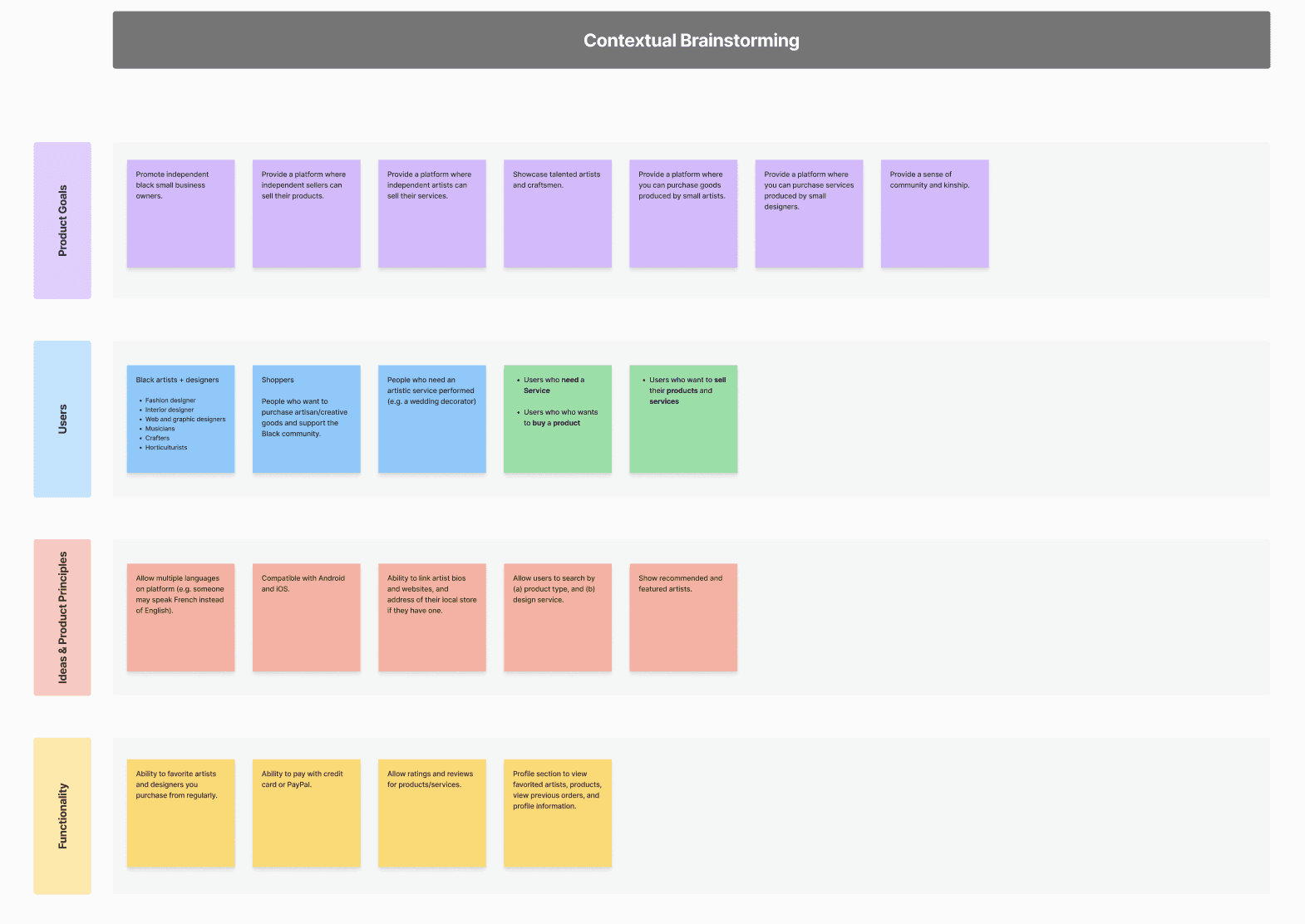
In class, we completed a contextual brainstorming exercise, which generated the basis for our final, detailed story map. In this sort of preliminary, contextual storymapping, we thought of the goal of our app, its potential users, and its principles and functionality.
Before and while storymapping, we reflected on our target users. Because we are building an e-commerce platform dedicated to selling products and services of Black artists and designers, we divided our storymap into two sides to reflect our two main users: sellers (Black artists/designers) and buyers (primarily adults, of any demographic).
Additionally, in this stage, we knew our product needed a name. In searching for the perfect name, we wanted to honor the Nigerian-American artist, Njideka Akunyili Crosby, who inspired our product idea. Searching for words in Yoruba (one of the native African languages spoken in Nigeria), we encountered "awujo", meaning community or society. This felt like a good fit to capture the sense of community we hope our product fosters in the Black and African immigrant community. We liked the sound of shortening awujo— our product name was born: WUJO.
Link to Storymap
Choosing a Framework
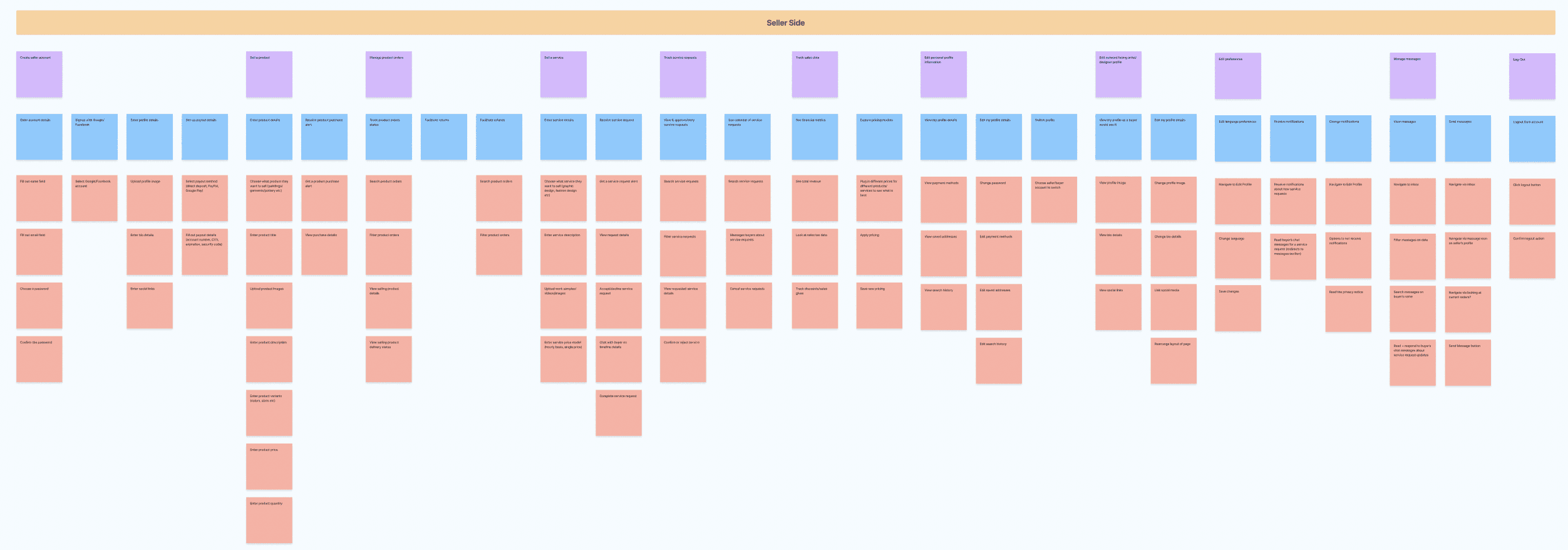
We began storymapping by discussing which storymapping framework to use. There are countless templates used by UX professionals for conducting this process. We decided that breaking out our story map into three hierarchies made the most intuitive sense to us, which would help us design our information architecture:
Activities: The high level action that a user wants to accomplish when using the app.
Steps: The process-oriented actions a user takes to perform an activity.
Details: The detailed, tactical actions a user takes to complete a step.
Brainstorming Activities
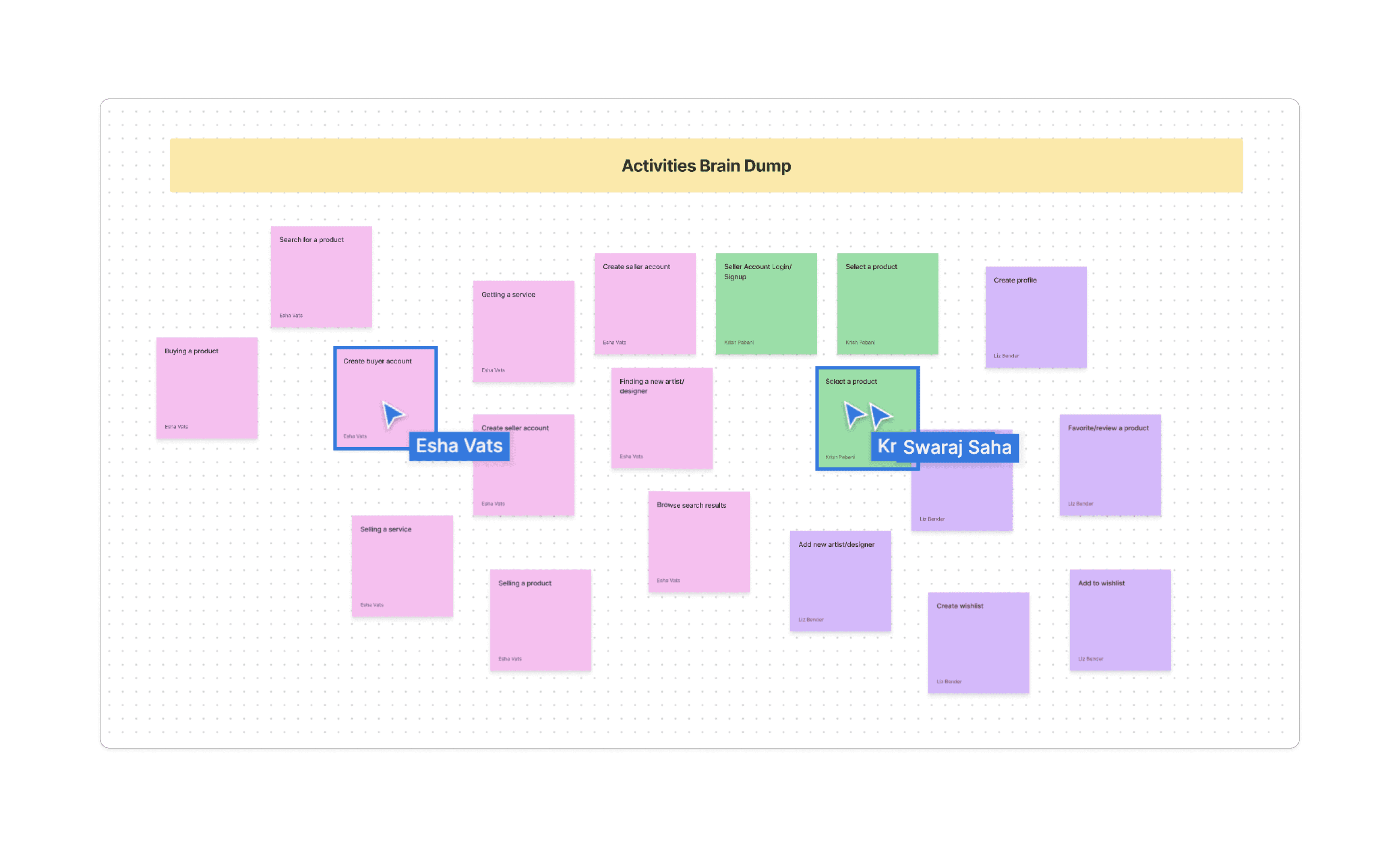
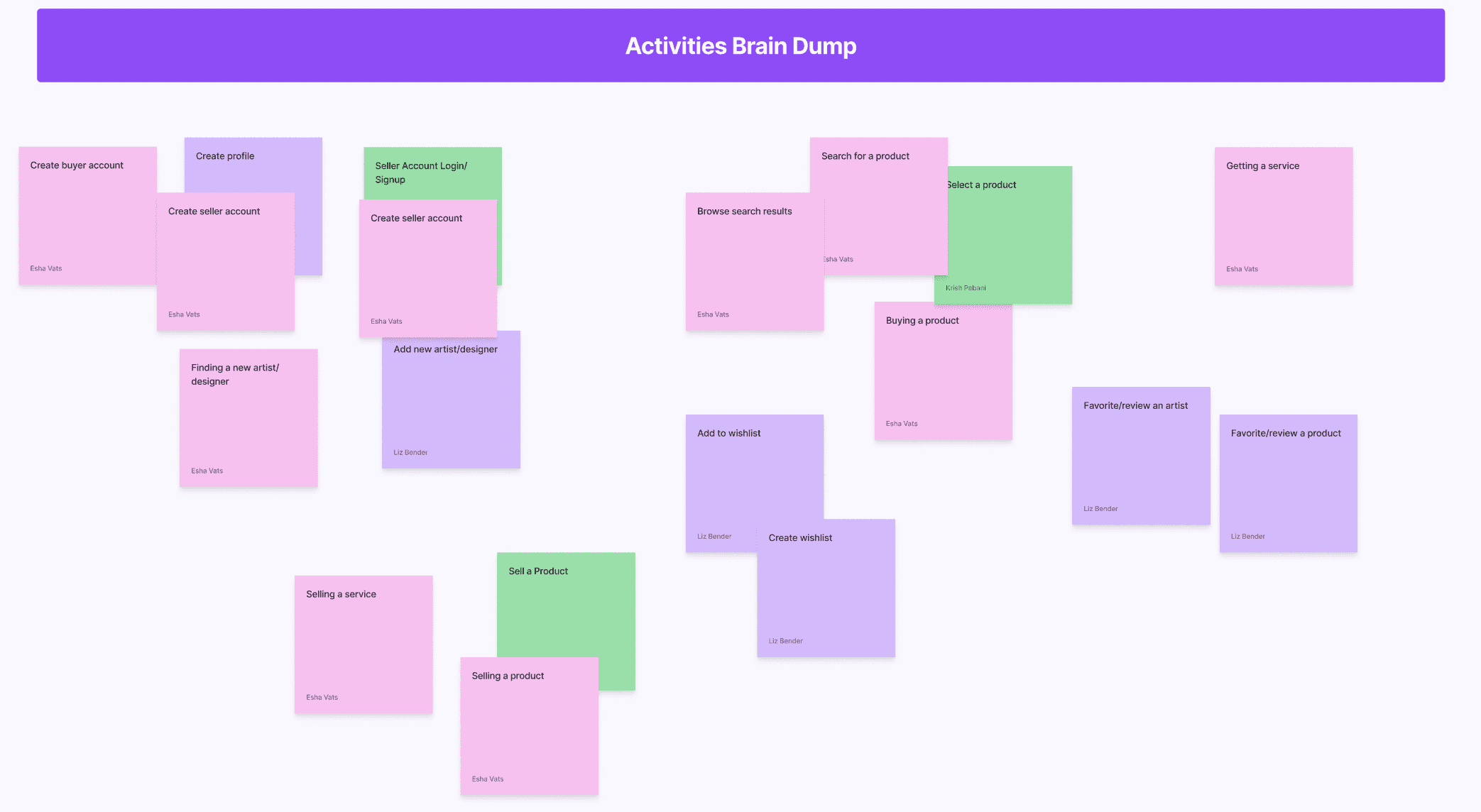
We individually (but simultaneously) brainstormed the core activities of our app. While we weren't sure whether in fact what we wrote down were too concrete and not high level enough to qualify as activities, we didn't want to limit our creativity. After the initial brain dump, we started to group together similar activities and eliminate redundancies— it was sort of like affinity diagramming!
Creating the Maps
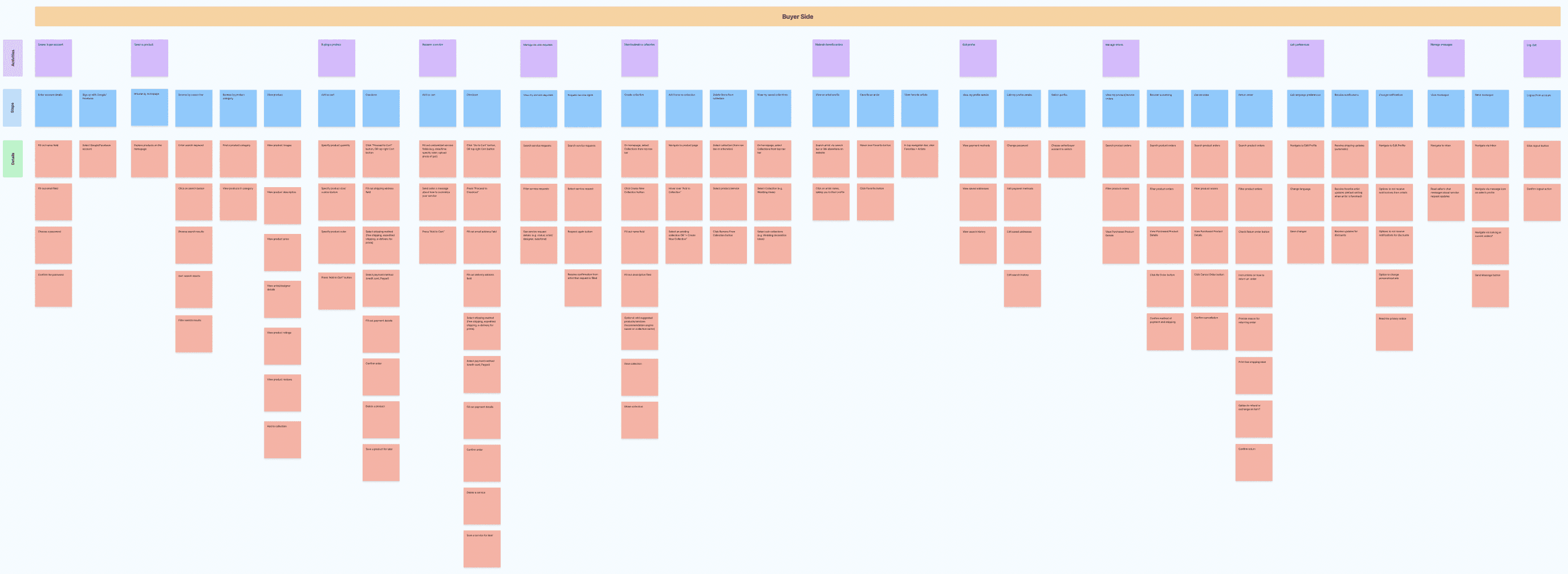
After brainstorming our initial activities, we started to apply the framework to produce two organized story maps: one for buyers, and one for sellers. Due to the detailed nature of these story maps, they should be viewed in FigJam.
Our buyer story map captures the following main activities: create a buyer account (which can be opted out of in favor of guest checkout), select a product, buy a product, request a service, manage service requests, manage orders, start/maintain a collection, maintain favorite artists, edit your profile, manage preferences, manage messages, and log out.
Our seller story map captures the following main activities: create a seller account (which can be opted out of in favor of guest checkout), sell a product, sell a service, manage product orders, manage service requests, track sales data, edit your personal profile, edit your outward-facing artist bio/profile, manage preferences, manage messages, and log out.
Mid-Fi Prototype
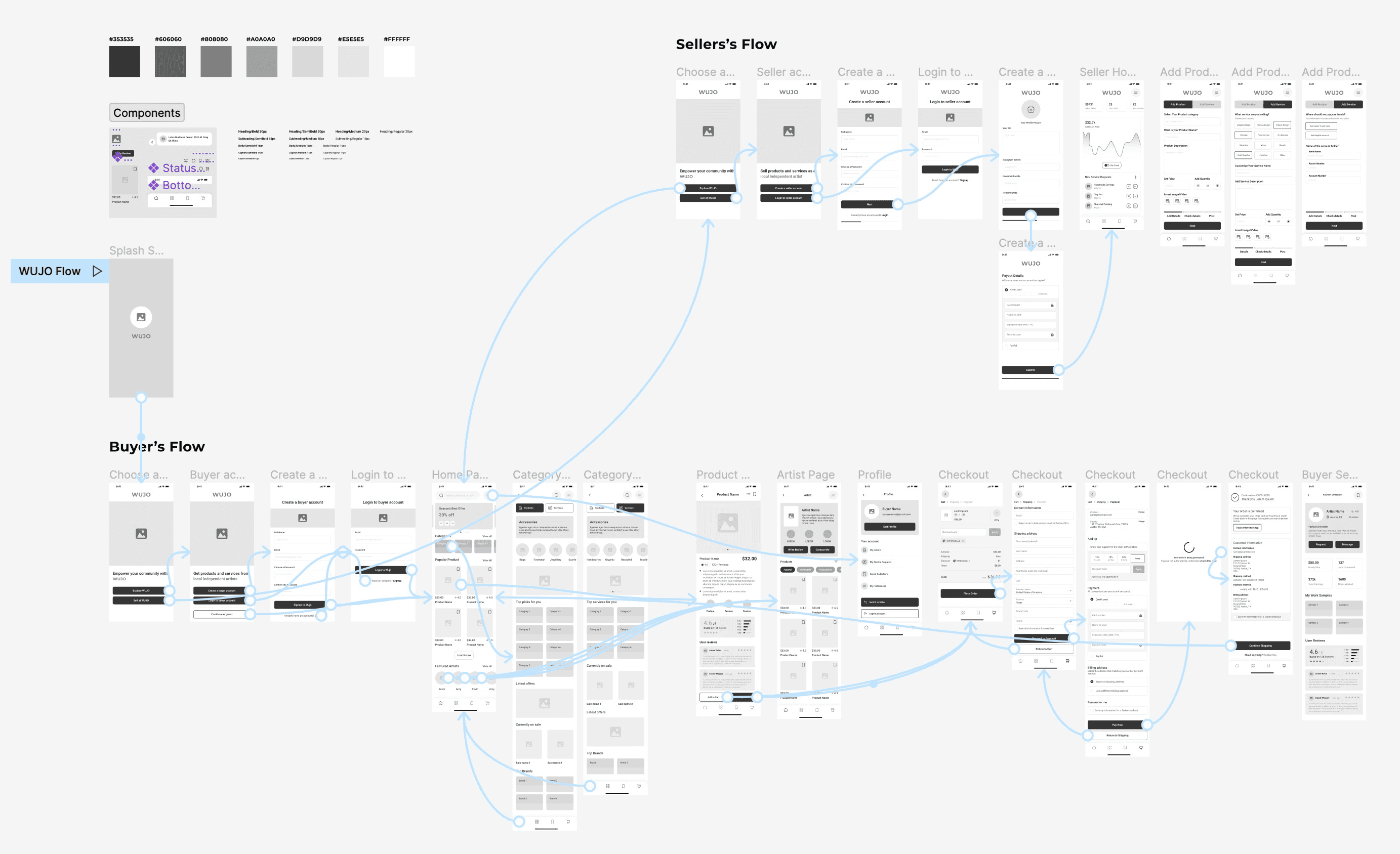
Based on our final story map, we converted the lo-fi prototype from Milestone 2 in to a mid-fi prototype. While many of the elements in our lo-fi remained consistent in our mid-fi, storymapping helped us think about our app's value proposition and also more detailed interactions.
Key Takeaways
Trying to design while putting yourself in the shoes of the user is challenging! As a designer, it feels natural to organize things in a way that feels intuitive to yourself, or maybe interesting or sophisticated. But, considering user needs must come even before expert, preconceived ideas.
Allow time to think big before organizing. We initially struggled with how to begin the story map. At first, we wanted to jump right into the Activities > Steps > Details framework, but then we realized we should be on the same page about what an activity looks like, and expand on what those activities may be.
The delineation between activities, steps, and details is a very gray area. The first activity we discussed, Buying a Product, ended up generating a new activity that we originally included as a step under buying: Selecting a Product. Though selecting a product begets buying a product, we felt searching/selecting is a unique activity that does not always warrant buying.
Unique-ness/branding and business goals are sometimes at odds with each other. For instance, because we want to foster a sense of community on our site, we initially wanted to create public profiles for Buyers so that Buyers and Sellers can connect with each other. But, we discussed how buyer anonymity is a level of protection that is important on e-commerce websites.
Designing a storymap can unearth issues in information architecture. For example, we knew we wanted buyers to be able to add an artist to Favorites, and we also wanted to create this concept called collections for specific products/services that are favorited, but we did not want artists to be represented in collections that same way. So, should we lump Favorites and Collections at the same level in our site navigation? Or should Favorites be tucked into Collections?